
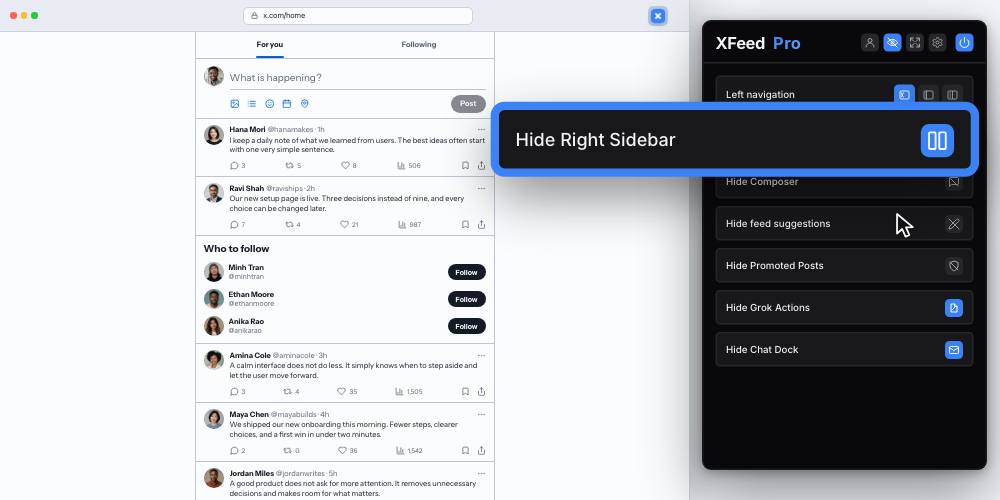
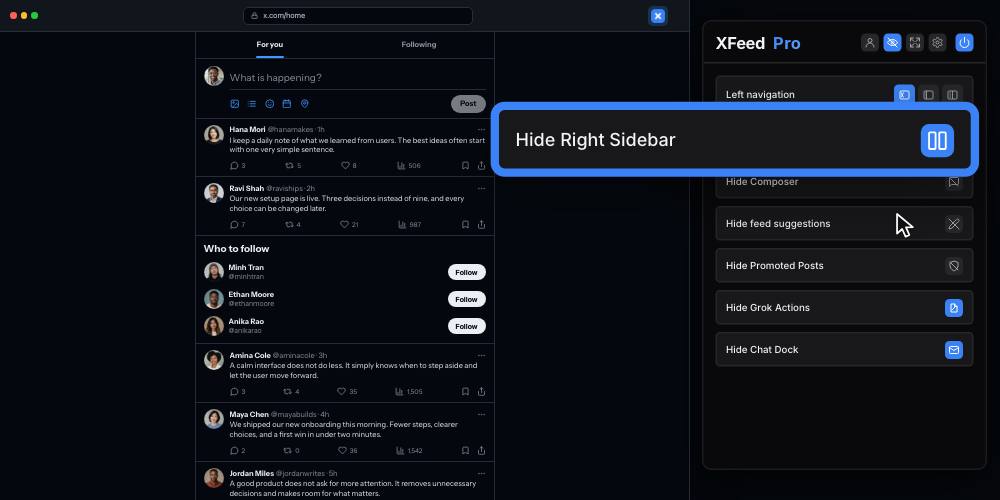
Hide both sidebars
Hide the navigation on the left and the trends and suggestions on the right. Use either control separately or combine them.
Browser extension for X / Twitter
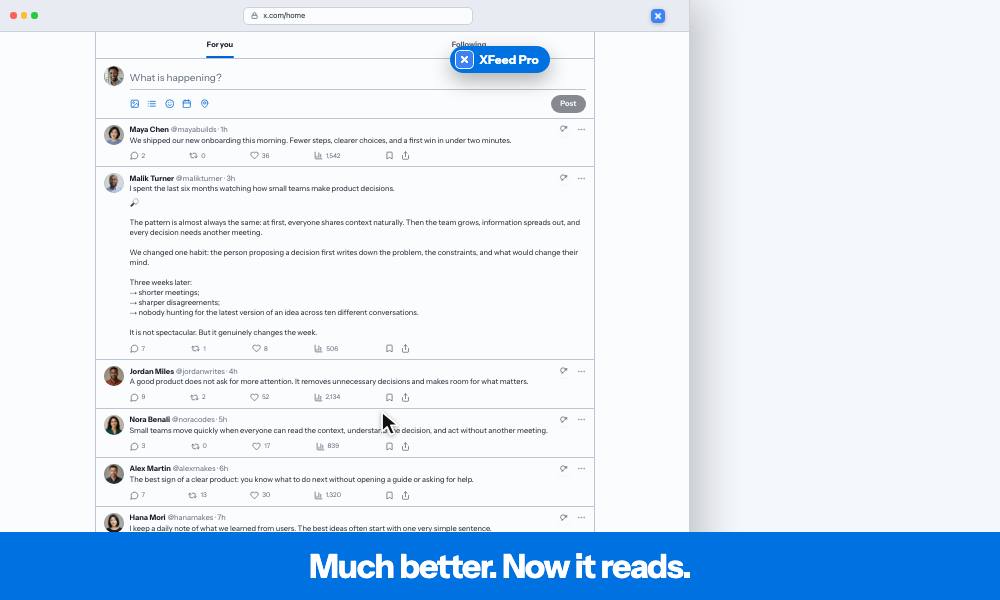
XFeed removes the sidebars, promoted posts, and interruptions.
Long posts open up, the feed gets wider, and the text can finally breathe.
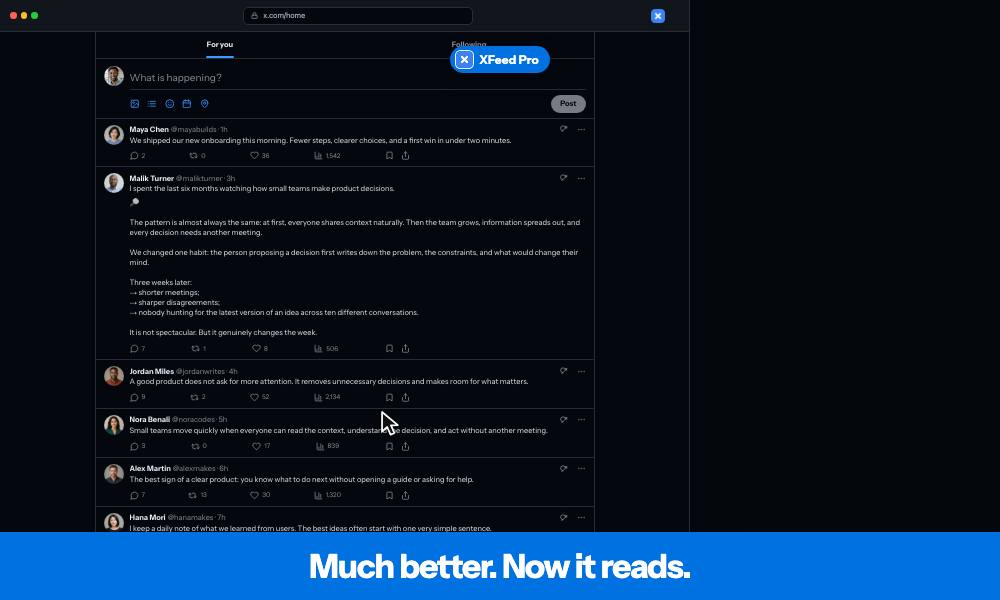
New controls to personalize your X feed
X fills the screen with navigation, Premium offers, trends and suggestions.
XFeed clears those distractions so you can read posts from the accounts you chose to follow.
Hide the navigation on the left and the trends and suggestions on the right. Use either control separately or combine them.
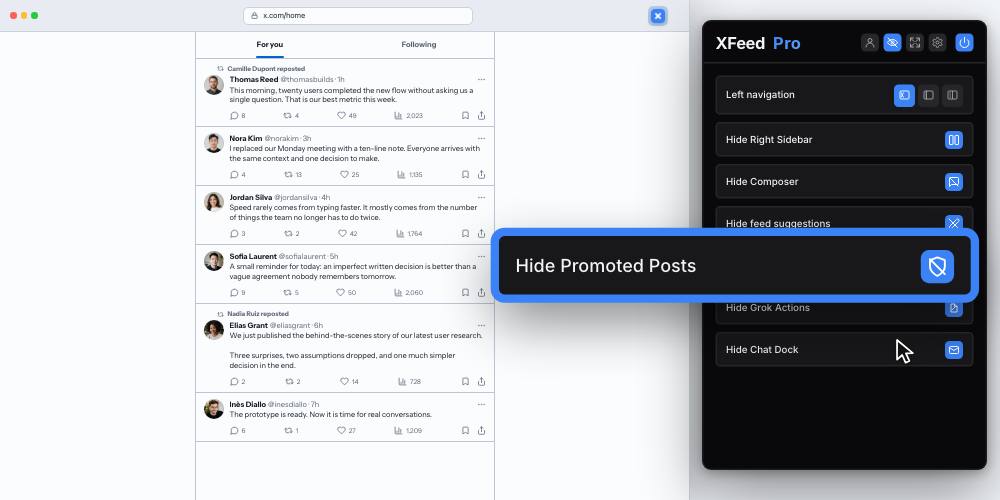
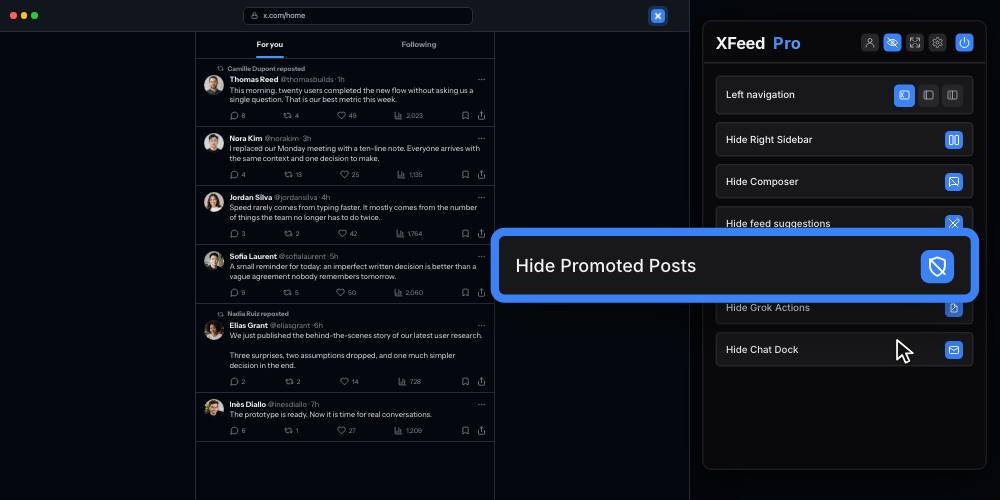
Posts marked as promoted disappear from the timeline. Regular posts stay exactly where they belong.
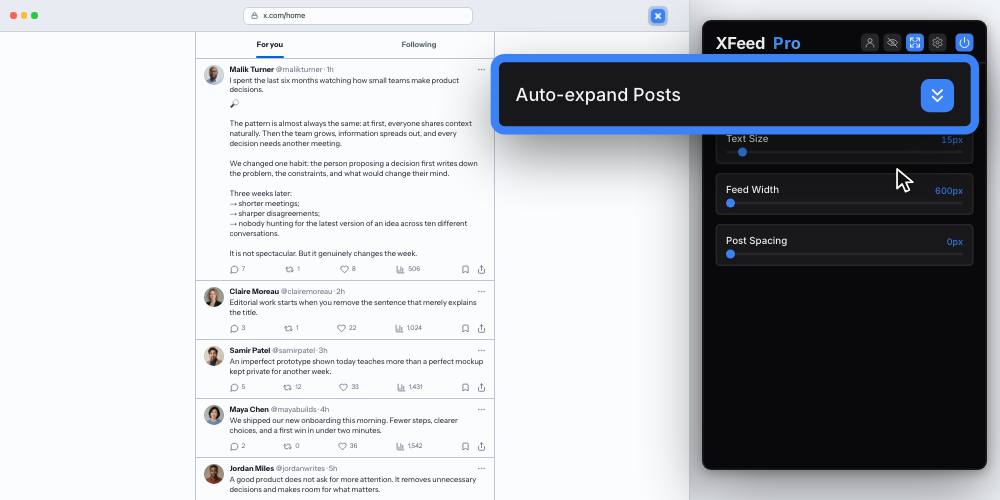
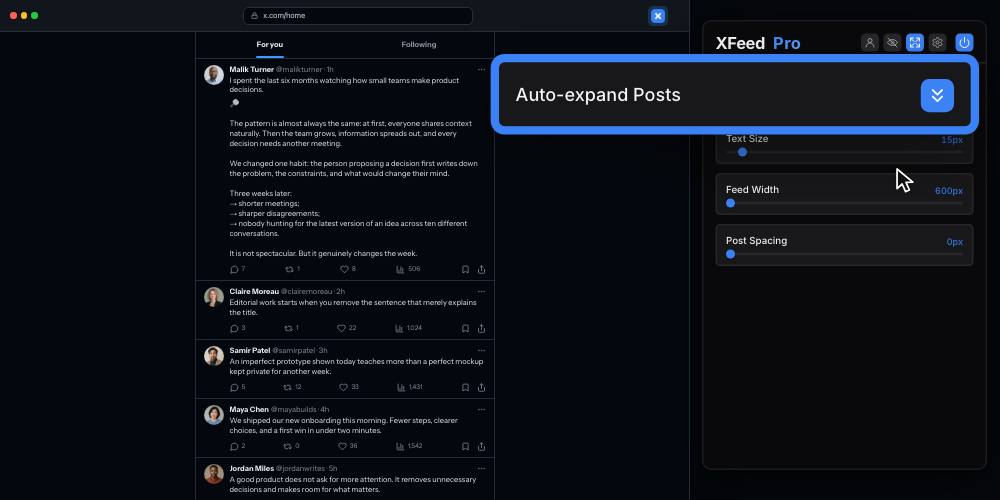
Read posts in full without repeatedly clicking “Show more”.
Your comfort comes first
Make the most of your screen: a wider feed, text at the right size, space between posts.
No more constant zooming in the X interface.
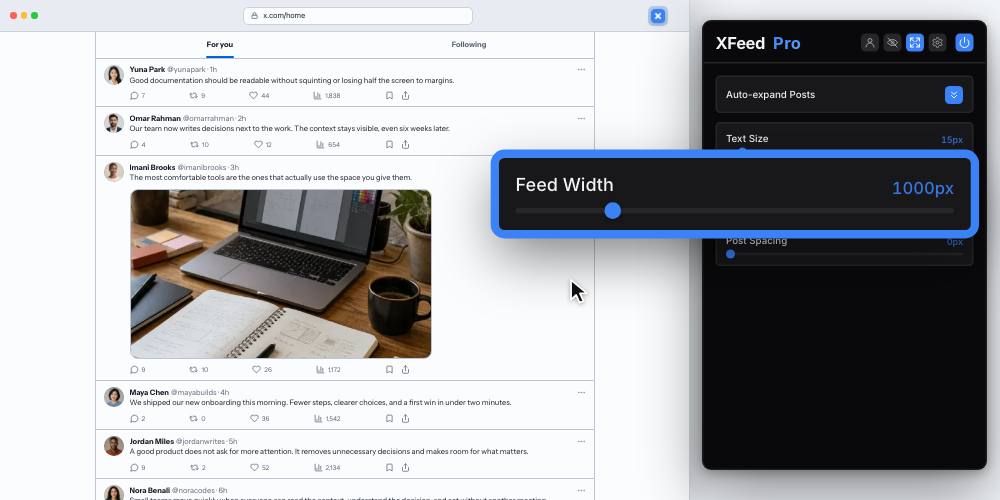
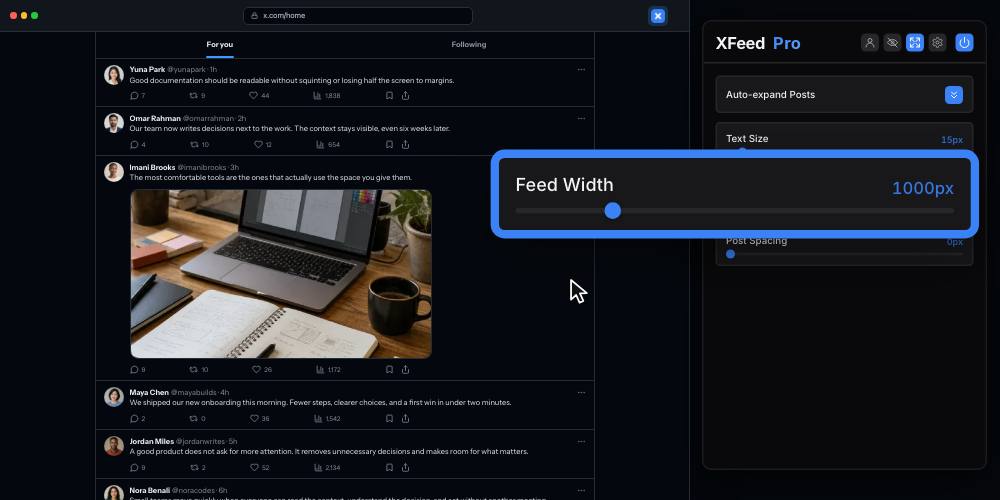
Stretch the feed from a narrow column to the width that actually fits your screen.
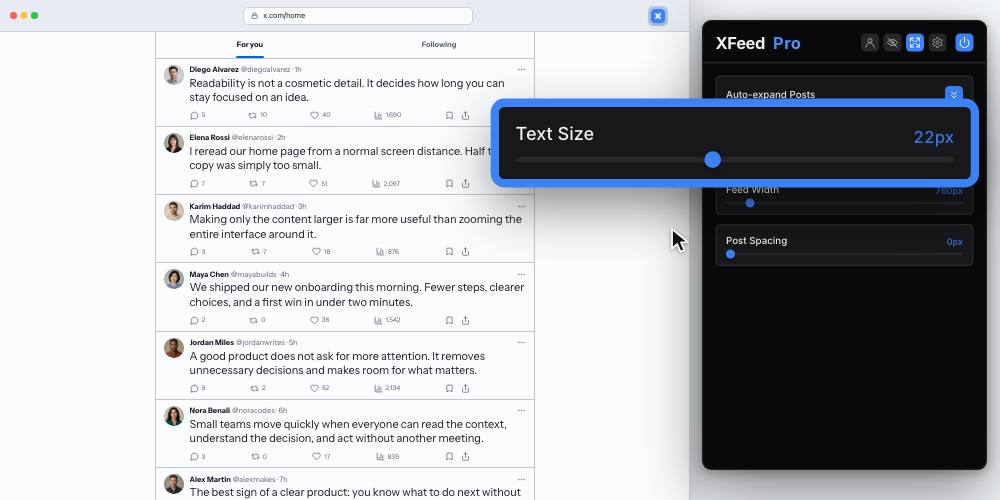
Increase the post text without zooming the entire page or enlarging the interface around it.
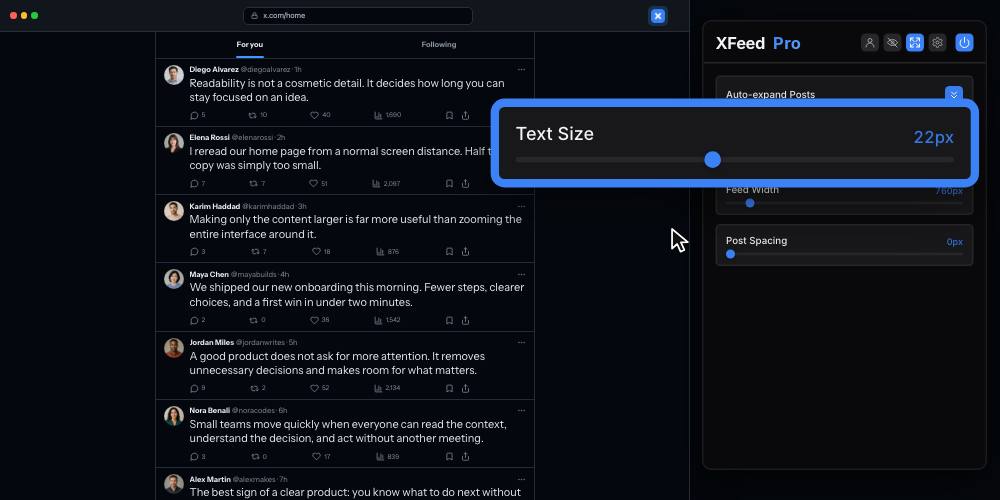
Tighten the feed to scan quickly, or add breathing room when you want a calmer reading rhythm.
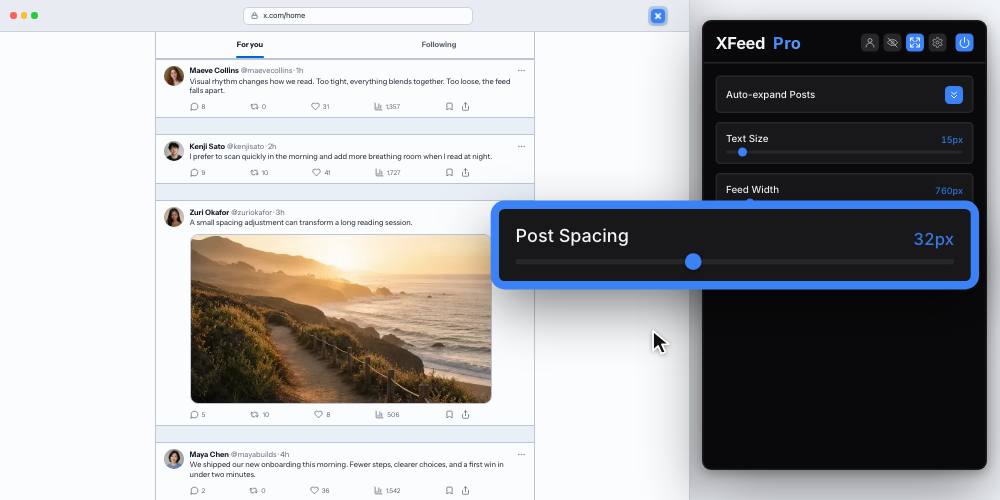
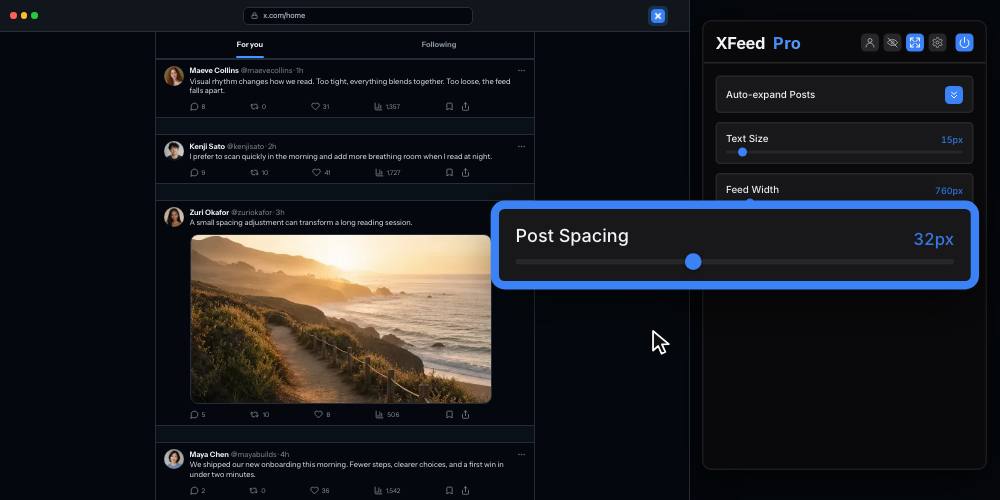
Fine control, option by option
Post composer, suggestions, Grok shortcuts and messages: choose what stays on screen.
Each setting is independent, so you stay in control of your feed.
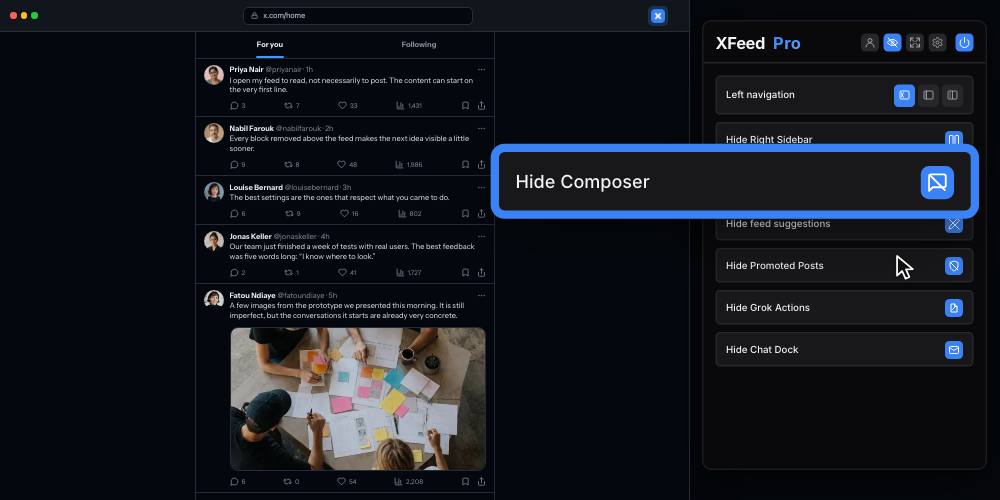
Remove the “What is happening?” box above the timeline.
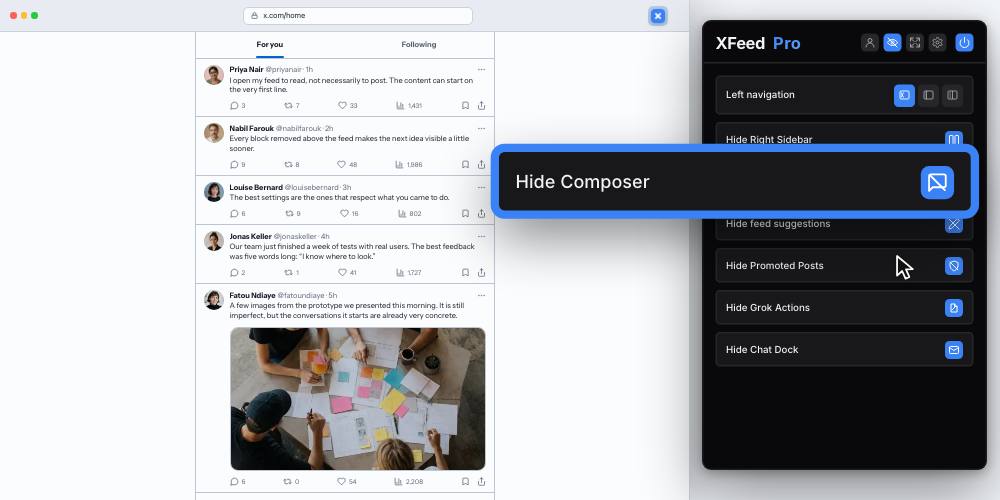
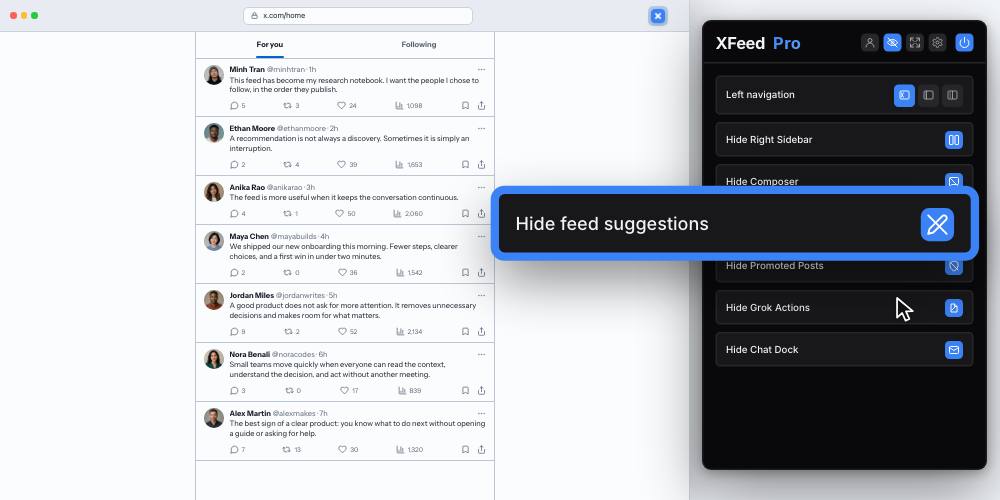
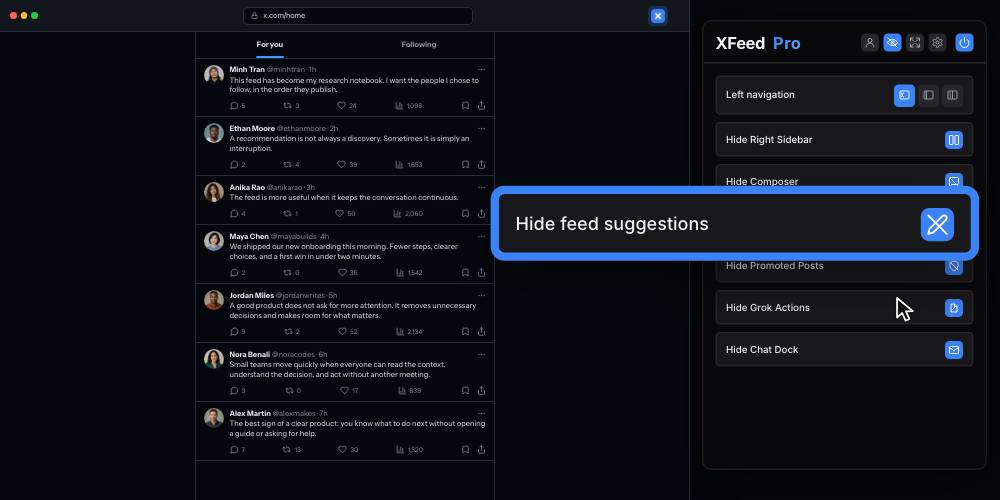
Hide follow suggestions, news blocks, and recommendations between posts.
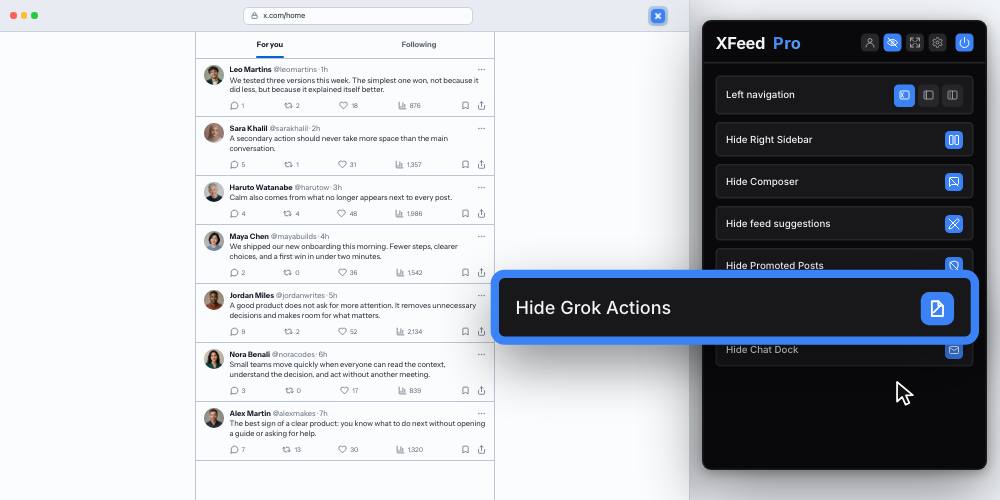
Remove Grok shortcuts and drawers from posts.
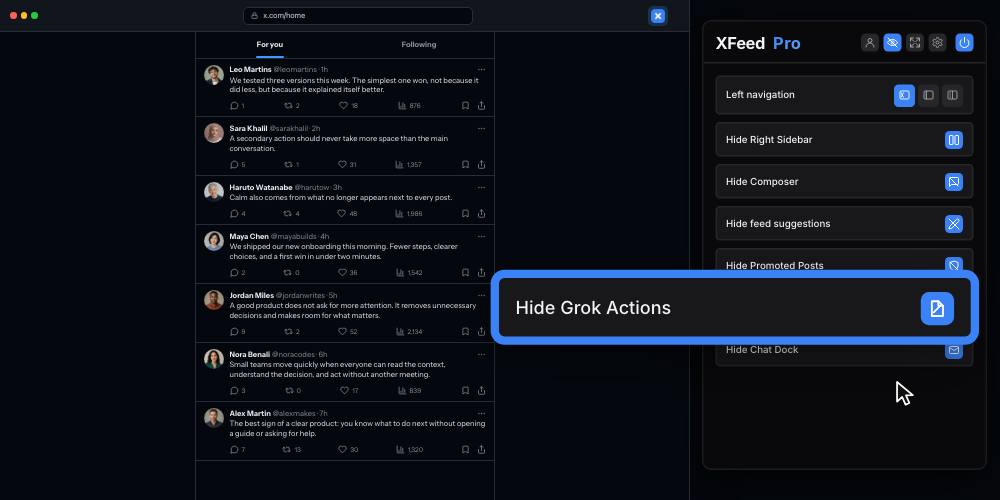
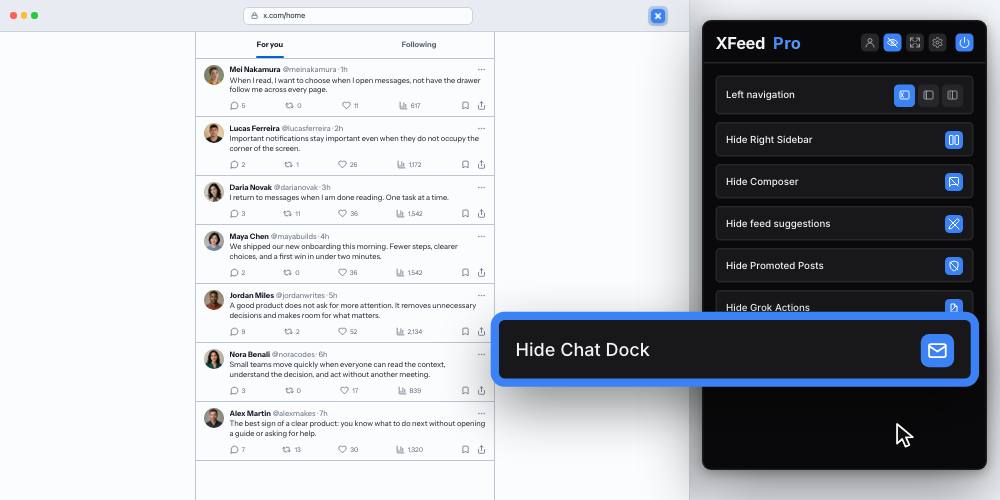
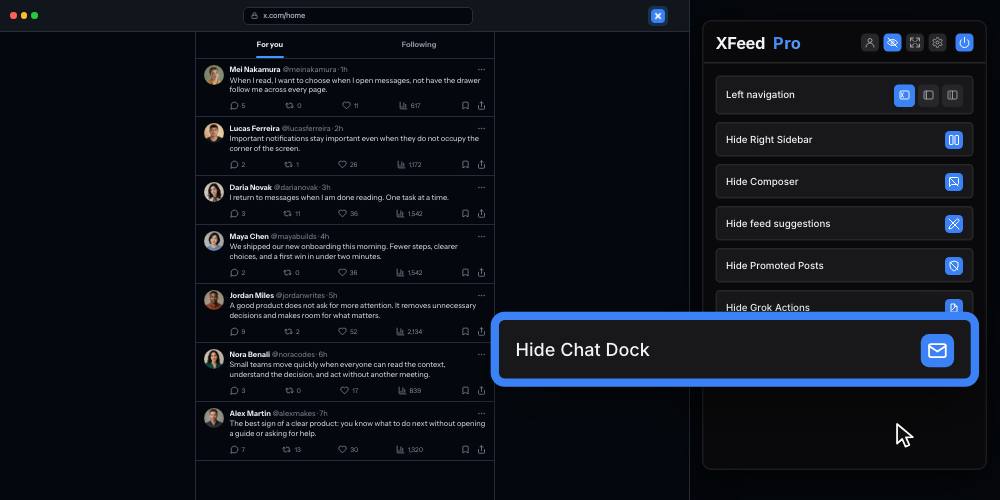
Hide the messaging panel from the bottom of the screen.
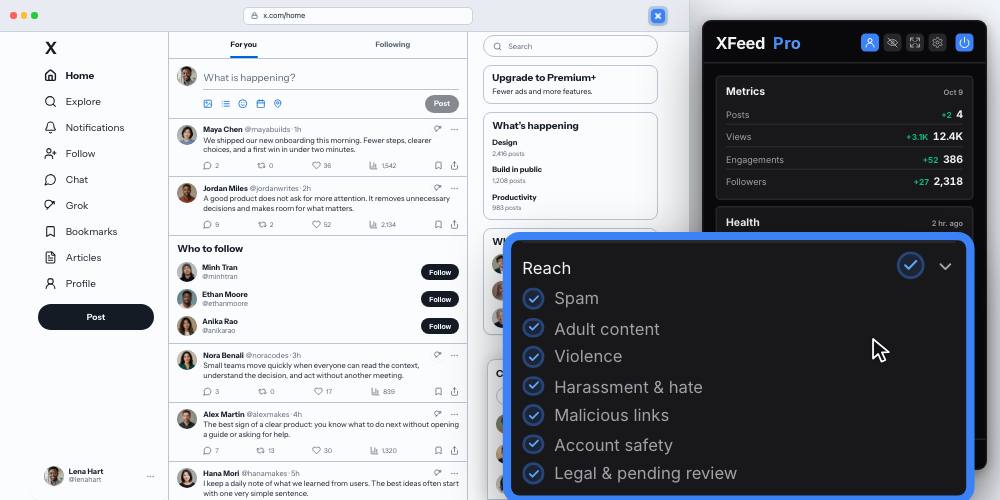
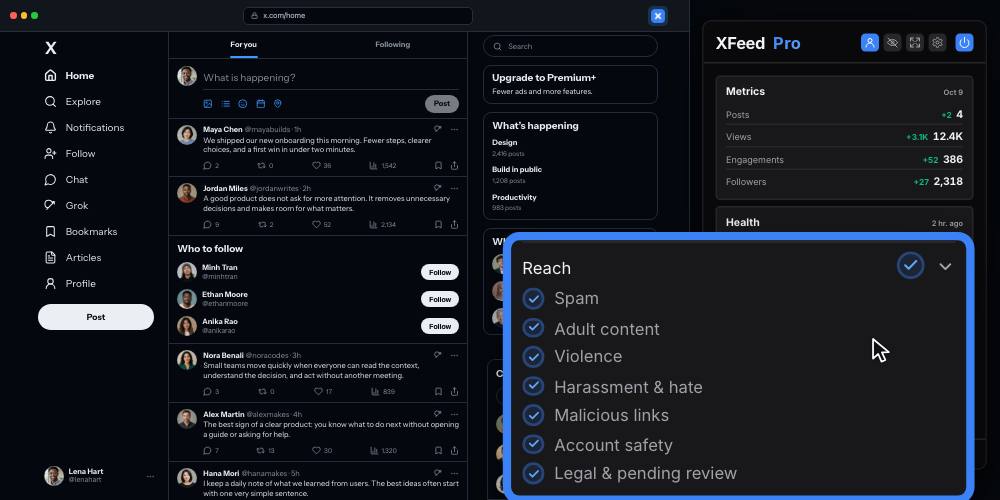
Your activity on X
See yesterday’s figures: posts, views, interactions and new followers. Check the account restrictions and reach labels reported by X.
No account. No card. 14 days with every feature